Secure file encryption since 2001
Help & support

Axcrypt freezes on initial launch, sometimes for 5 minutes or more

8 replies 2 participants Started Active

Actions

Reply
Neil Guest
Report spam

Hi,

More than 50% f the time when I launch the Axcrypt application and after inputting my password, the application becomes unresponsive for around 5 minutes or more. Windows task manager shows high CPU and disk IO so it's clearly doing something... parsing files in it's monitored folders? Windows reports the app as 'not responding'.

It completes whatever it's doing and then all is fine.

It's a problem that can be lived with, but if I double click a file I want to work on and Axcrypt isn't running, I have to endure this prior to being able to open the file. If it has to scour stuff before being useable, perhaps it could decrypt the file I double clicked on first and then do it's housekeeping / chores?

Thanks!

8 replies
AxCrypt Support AxCrypt Team
· 1,810 posts
Report spam

Hello Neil,

Can you tell me what version of AxCrypt you're running?

We are aware of an issue if you have secured folders with *many* files in it. It should not freeze though...

We'd like to get to the bottom of this, but we need to know the circumstances so we can reproduce it - and then fix it.

Neil Guest Topic starter
Report spam

Hi Svante,

Thanks for the quick response. Sure, no problem, my version is   2.1.1573.0

FYI, the app 'greys out' during the problem and the windows cursor is the spinning circle when it is placed over the app.


Cheers

Neil


AxCrypt Support AxCrypt Team
· 1,810 posts
Report spam

Hi Neil,

The version is good.

Do you have any really large folders that are secured?

Do you have an active Internet connection when this happens?

Do you use a Proxy to access the Internet?

Finally, can you please post a screenshot of the AxCrypt window when it is greyed out, and after it actually completes the waiting?

Neil Guest Topic starter
Report spam

Hi Svante,

I monitor about a dozen folders, however there are dozens of sub-folders and around 10,000+ files.

I don't use a proxy to access the Internet

Frustratingly, now I've mentioned it, I can't seem to replicate the problem, however I seldom use my computer without it having Internet access. But I will check next time the symptom presents itself.

Whilst trying to replicate the problem I did notice just now that Axcrypt was burning 70% cpu even though it was not 'frozen' or visually symptomatic. If it were checking files, I'd expect some disk IO, but this was just CPU burn.


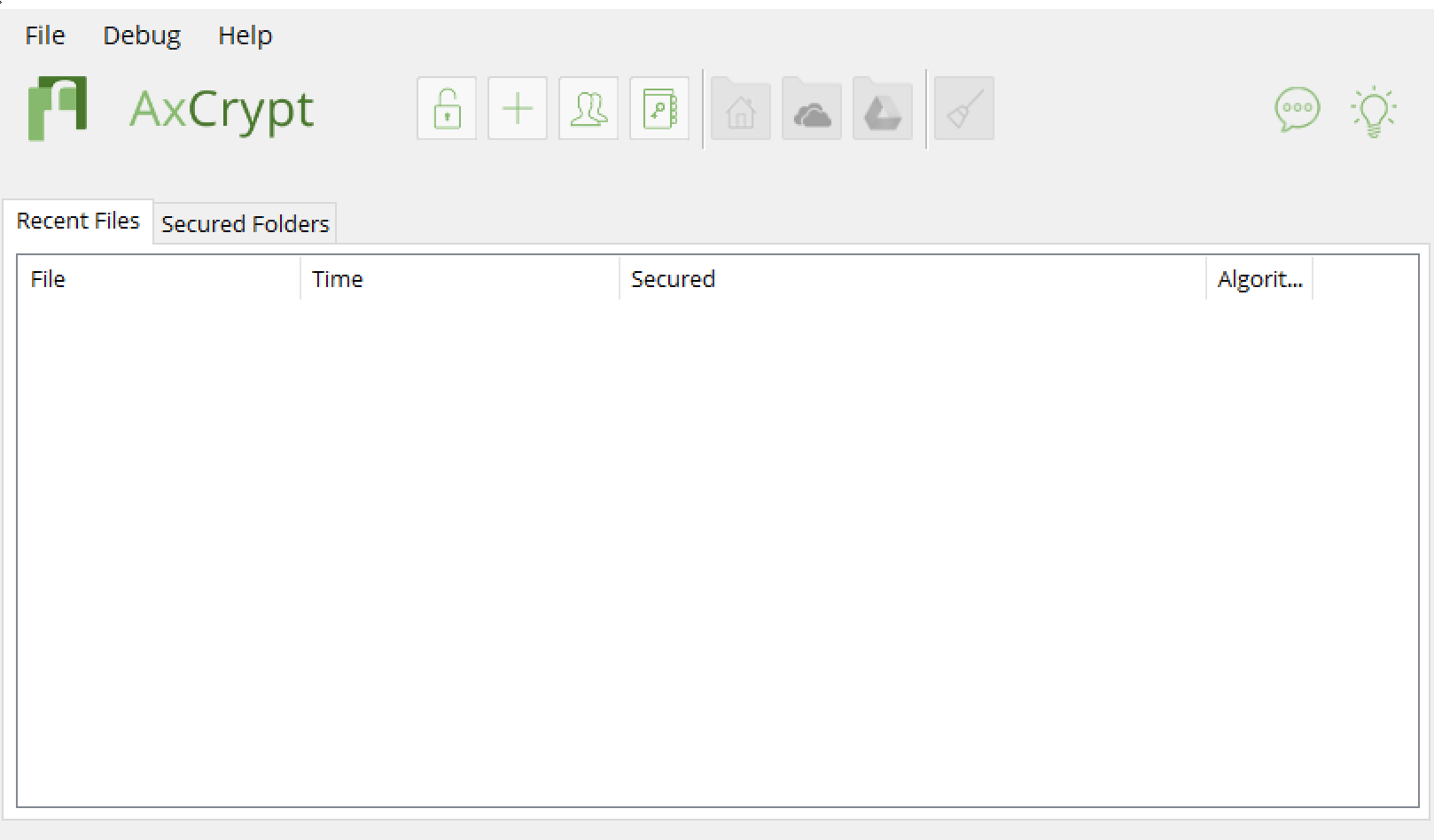
Screenshot attached, but it's not very revealing I'm afraid

Cheers,

Neil

AxCrypt Support AxCrypt Team
· 1,810 posts
Report spam

Hello Neil,

Ok, I am pretty sure that it is the size and number of files that is the main problem. I will look into this, we have some general issues with very large number of files in secured folders that we must take care of. Not very many users are impacted, but it's a matter of principle (and pride ;-) ) - AxCrypt should not have volume and size limitations apart from natural limitations of processing power and disk speeds. It should not freeze and it should not silently consume large amounts of CPU regardless of the number of secured folders etc.

Neil Guest Topic starter
Report spam

Some more info...

If I double click on an encrypted file to open it, once I have finished editing the file and save and close it, the Axcrypt app freezes for many minutes. I did notice that I wasn't connected to the Internet during the operation so connected, but made no difference at the time.

Cheers

AxCrypt Support AxCrypt Team
· 1,810 posts
Report spam

Hello Neil,

Thanks, yes that behavior is consistent with AxCrypt not handling large hierarchies of secured folders well. We'll work to improve that! Thanks for all the information.

Reply to this topic

Posting as a guest. Log in or sign up to get reply notifications and edit your posts.

Tip: describe your AxCrypt version, operating system and the exact error message. Never post your password or license key.