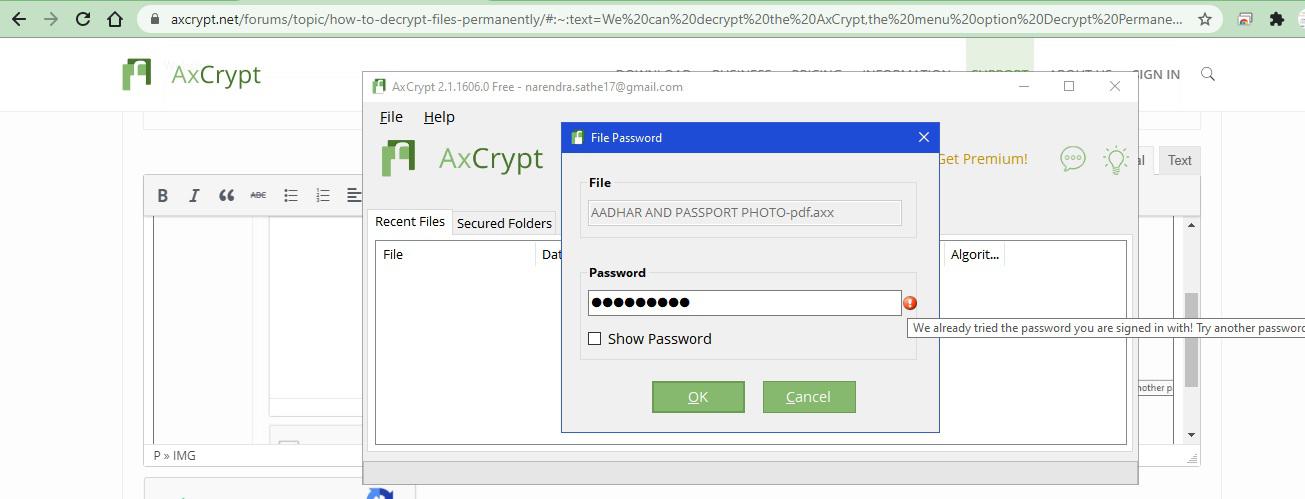
Hello ANN,
Sign in to the AxCrypt app with your AxCrypt credentials. Then follow the below instructions to decrypt your secured folder by single click,
We can decrypt the AxCrypt secured folder by navigating to the Secured Folders tab in the AxCrypt app. Then Right click on the selected folder (which you want to decrypt) and choose the menu option Decrypt Permanently.
In case the folder is not listed in the Secured Folder list, then you have to secure the folder again using the Add Secured Folder option from the right click content menu.
Or If you are using windows operating system, then right click on the selected folder in windows explorer and choose AxCrypt > Decrypt. If you are unable to see the explorer right click context menu in windows, then please uninstall and re-install the AxCrypt app.
AxCrypt app will perform the task(encryption/decryption) based on the user's system configuration. If the user having good configuration machines, then AxCrypt will perform faster.
So please check the tutorial to decrypt the encrypted files with the AxCrypt app https://www.youtube.com/watch?v=jyixJ03qmkg&list=PLHRiJs6YxUhgR9sd66jR4ao0EiCxPO7u6&index=4 .
Still if you are facing any issues, please write the mail to support@axcrypt.net with some more information about the issue. If you can send a screenshot showing where the problem is, it often helps us understand.
You can also send the complete error report to troubleshoot the issue. Please follow the detailed instructions to take the complete error report: http://forum.axcrypt.net/blog/send-complete-error-report/.